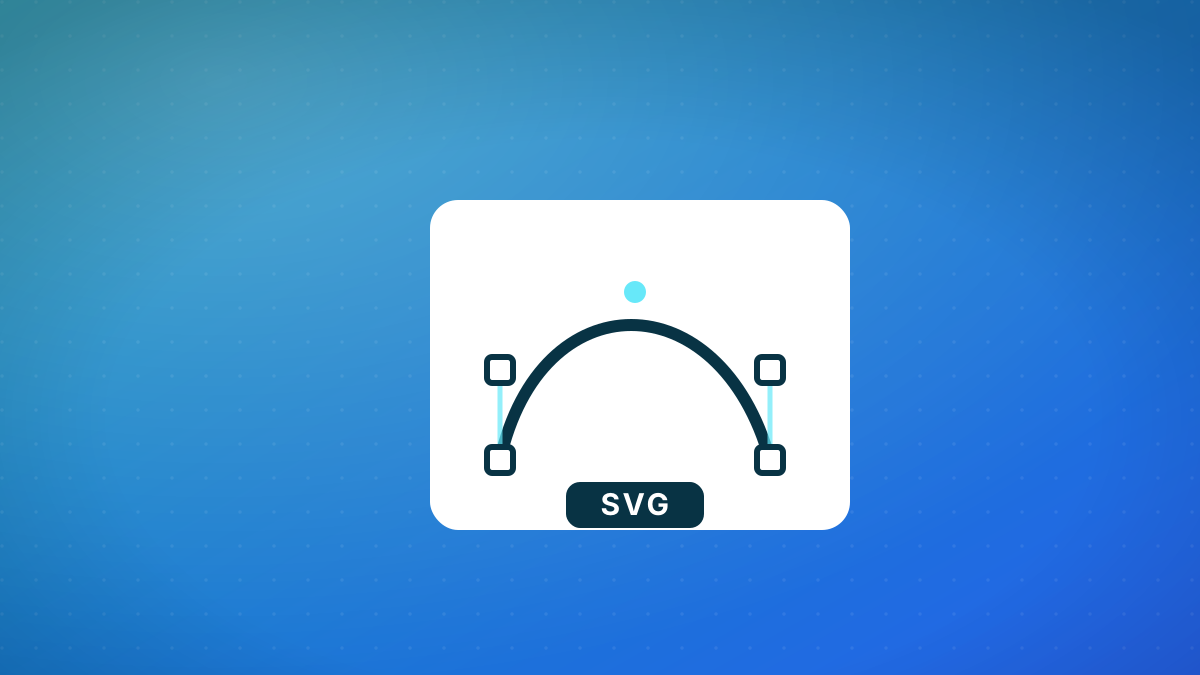
Choosing the right image format can make or break your web project's performance and visual quality. While both SVG and PNG have their place in modern web development, understanding their fundamental differences is crucial for making informed decisions. This guide will help you navigate the SVG vs PNG debate and choose the right format for icons, logos, and UI elements.
Understanding the Fundamental Difference: Vector vs Raster
The core distinction between SVG and PNG lies in how they represent images. SVG uses mathematical equations to define shapes, lines, and curves, making it a vector format. PNG stores image data as a grid of pixels, making it a raster format. This fundamental difference dictates their performance characteristics and ideal use cases.
| Feature | SVG | PNG |
|---|---|---|
| Image Type | Vector | Raster |
| Scalability | Infinite without quality loss | Limited - loses quality when enlarged |
| File Structure | XML-based code | Pixel grid data |
| Transparency | Yes | Yes (with alpha channel) |
| Animation | Yes (SMIL or CSS/JS) | No (use APNG or GIF) |
| CSS Styling | Full support | Limited to basic filters |
When SVG Shines: Perfect Use Cases
SVG excels in specific scenarios where scalability, small file size, and programmability are paramount. Understanding these ideal use cases will help you leverage SVG's strengths effectively.
When PNG is the Better Choice
Despite SVG's advantages, PNG remains essential for certain types of imagery. PNG's pixel-based nature makes it superior for specific use cases where detailed texture and photographic content are required.
- Photographic ContentPNG handles complex images with detailed textures, gradients, and photographic content much more efficiently than SVG
- Pixel-Perfect ControlYou have exact control over every pixel, making PNG ideal for images where specific pixel patterns matter
- Wide CompatibilityPNG works everywhere without any compatibility concerns, including in email clients and older software
- File Size BloatHigh-resolution PNGs can become very large, especially for complex images with transparency
- Scaling IssuesEnlarging PNG images causes blurriness and pixelation due to the fixed pixel grid
- Limited ProgrammabilityPNG images are static and cannot be dynamically styled or animated without creating multiple files
Performance and Optimization Considerations
Both formats require different optimization approaches. Understanding how to optimize SVG and PNG files will significantly impact your website's loading performance and user experience.
- 1Optimize SVG FilesUse tools like SVGO to remove unnecessary metadata, minify code, and clean up SVG files. This can reduce file size by 50-80% without affecting visual quality.
- 2Choose Right PNG FormatUse PNG-8 for simple graphics with limited colors and PNG-24 for complex images with transparency. PNG-8 offers smaller file sizes for appropriate content.
- 3Implement Responsive ImagesUse srcset with PNG for different screen sizes and resolutions. For SVG, use CSS media queries to adjust styling for different contexts.
- 4Leverage CachingBoth formats benefit from proper caching headers. SVG files can be gzipped for additional compression due to their text-based nature.
Practical Implementation Guide
Implementing both formats effectively requires understanding the technical considerations and best practices for each. Here's how to work with SVG and PNG in real-world projects.
- 1Asset CreationCreate logos and icons as vector artwork in tools like Adobe Illustrator or Figma. Export photographic content as PNG from image editing software.
- 2OptimizationRun SVG files through optimization tools. Compress PNG files with tools like Optimagio to reduce file size while maintaining quality.
- 3ImplementationUse SVG inline for dynamic styling or as external files. Implement PNG with appropriate fallbacks for maximum compatibility.
- 4TestingTest across devices and browsers to ensure proper rendering. Verify that SVG animations work correctly and PNG images display properly.
<svg width="100" height="100" viewBox="0 0 100 100">
  <circle cx="50" cy="50" r="40" stroke="black" stroke-width="3" fill="red" class="logo-circle" />
</svg>Making the Right Choice for Your Project
The decision between SVG and PNG isn't about which format is "better" overall, but which is better for your specific use case. Consider the content type, required scalability, and performance requirements when making your choice.
- Is the image simple (icons, logos, shapes)?
- Does it need to scale to any size?
- Will it need CSS styling or animation?
- Is it photographic or highly detailed?
- Does it require pixel-perfect control?
Automate image optimization with Optimagio
Doing this by hand for every image does not scale. Optimagio optimizes and converts your images (WebP and AVIF) automatically across your API, web app, and CMS — so every page ships the smallest possible files without manual work. See plans and pricing