
Image Optimization API 6 min read
How to Integrate an Image Optimization API into Your Upload Pipeline
Automate image compression and conversion directly within your file upload workflow using an API to improve performance and reduce manual steps.
The Optimagio Blog
Practical guides on image optimization, modern formats, Core Web Vitals, and high-performance web delivery.
Automate image compression and conversion directly within your file upload workflow using an API to improve performance and reduce manual steps.

Automate compression and conversion of entire image libraries to modern formats like WebP and AVIF using Node.js scripts and command-line tools.

Learn how to enhance Astro's built-in image components with external APIs for automated format conversion, compression, and responsive image generation.

Learn how to optimize WordPress images using core features, custom code, and external APIs instead of bloated plugins that slow down your site.
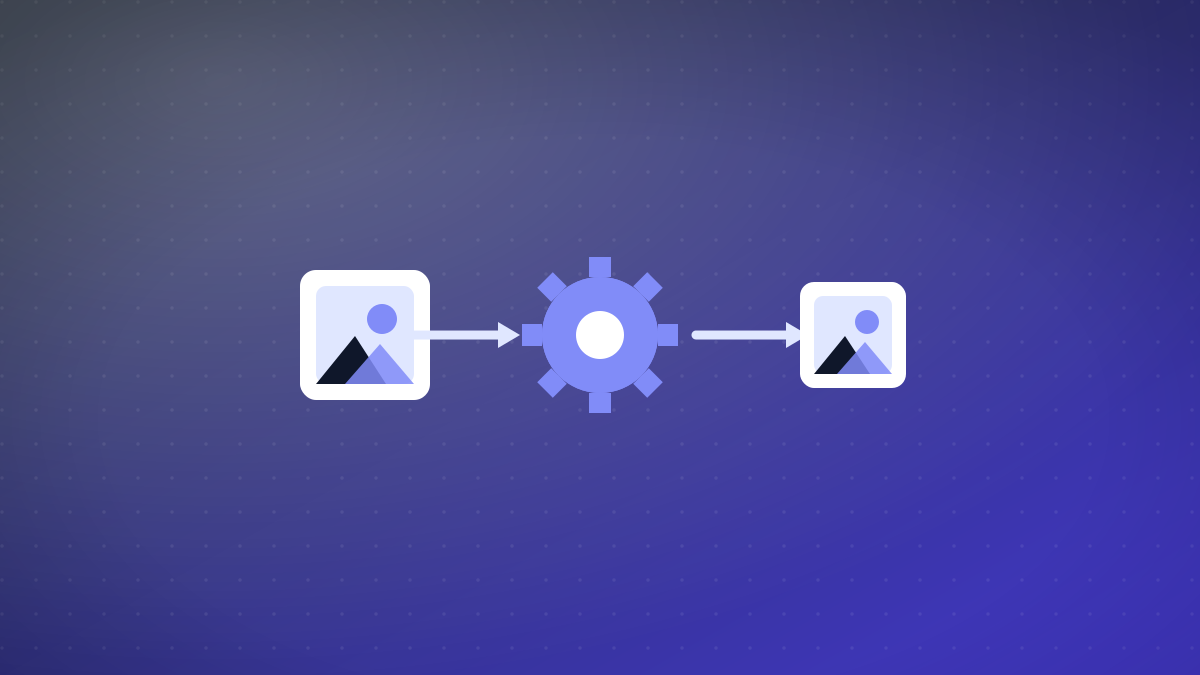
Learn how to integrate Optimagio's Vite plugin to automatically optimize and convert images to WebP and AVIF during build, reducing manual effort and boosting performance.
Learn how to optimize images in SvelteKit using Vite plugins for build-time processing and API routes for dynamic transformations.
Master Next.js's Image component with advanced techniques like custom loaders, remote optimization, and external service integration for superior performance.

Learn how to configure edge-based image proxies for on-the-fly optimization, reducing origin load and accelerating delivery.
Learn how to configure your server or CDN to automatically serve AVIF or WebP images based on the client's Accept header, ensuring optimal format delivery without breaking compatibility.
Learn how to configure precise Cache-Control headers for different image types to maximize caching efficiency, reduce origin load, and improve delivery speed.

Choosing between edge image resizing and build-time optimization depends on your project's scale, content type, and performance needs. Learn which approach fits best.

Learn how to eliminate layout shifts by implementing proper aspect ratio containers for lazy-loaded images, improving your CLS scores and user experience.